top of page

Wix Instructions

PRACTICAL STEP-BY-STEP WIX INSTRUCTIONS FOR WEBSITE OWNERS, FREELANCERS AND BUSINESSES. LEARN HOW TO EDIT PAGES, TEXT, IMAGES, MENUS, FORMS, BLOG, SEO, DOMAIN AND WIX SETTINGS, SO YOU CAN MANAGE YOUR WEBSITE MORE EASILY, AVOID MISTAKES AND IMPROVE YOUR ONLINE VISIBILITY IN GOOGLE.

A step-by-step visual guide showing the Wix Editor interface with the Publish button highlighted, illustrating how to publish a Wix website live.

Learn how to publish your Wix website with this comprehensive step-by-step guide. Covering pre-launch checks, SEO best practices, mobile optimisation, common mistakes to avoid, and a handy checklist to ensure your site goes live without a hitch.

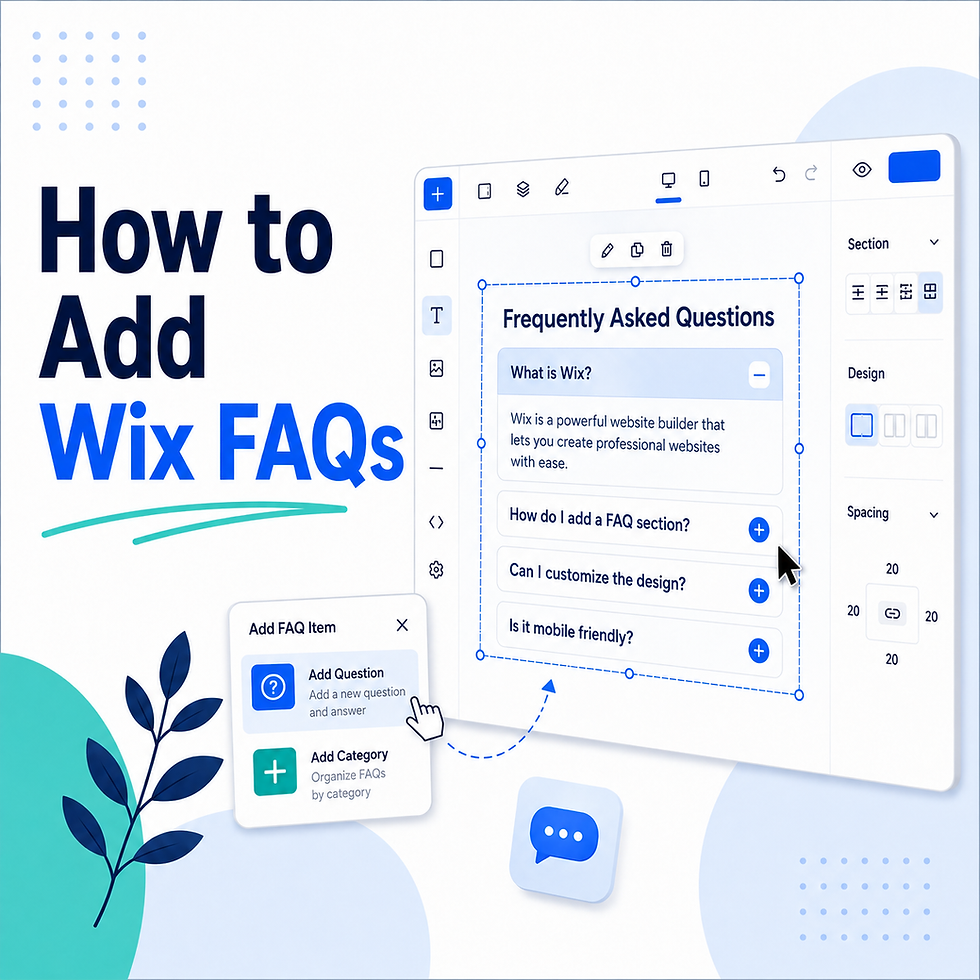
A visual guide showing how to add and customise an FAQ section in the Wix Editor using the Wix FAQ app.

Learn how to add an FAQ section to your Wix website with this step-by-step guide. Covering the Wix FAQ app, accordion layout, SEO best practices, common mistakes, and practical tips for answering your visitors' most important questions.

Screenshot of the Wix Bookings setup dashboard showing service creation, scheduling, and booking management options.

Learn how to set up Wix Bookings with this complete step-by-step guide. Covering service creation, availability settings, payment configuration, staff management, and SEO tips to help your clients book appointments online with ease.

Wix Editor gallery settings panel showing layout options, grid, slideshow, and masonry gallery configurations.

Learn how to configure Wix gallery settings with this comprehensive guide. Covering layout options, image management, lightbox settings, alt text for SEO, and practical tips to showcase your images beautifully on your Wix website.

Wix Editor showing a video element being added to a page with settings for YouTube, Vimeo, and Wix video uploads.

Learn how to add video to your Wix website with this step-by-step guide. Covering YouTube and Vimeo embedding, direct uploads, video backgrounds, thumbnail settings, mobile optimisation, and SEO tips for Wix video content.

Wix contact page layout showing a contact form, business address, phone number, map widget, and social media icons.

Learn how to build an effective Wix contact page with this complete guide. Covering contact forms, Google Maps, business information, SEO settings, spam protection, and GDPR compliance to ensure your visitors can reach you easily.

Wix Editor link panel showing options to add hyperlinks to text, images, and buttons including internal pages, external URLs, and anchor links.

Learn how to add links to your Wix website with this complete guide. Covering page links, external URLs, anchor links, phone links, email links, document downloads, and SEO best practices for effective internal and external linking.

Wix Editor footer section showing navigation links, social media icons, copyright notice, and contact details layout.

Learn how to set up your Wix website footer with this complete guide. Covering contact details, navigation links, social media icons, copyright notices, legal pages, design customisation, and mobile optimisation for a professional footer.

Wix Editor header section showing logo placement, navigation menu items, sticky header setting, and transparent header options.

Learn how to set up your Wix website header with this complete guide. Covering logo placement, navigation menus, CTA buttons, sticky headers, transparent headers, mobile layout, and SEO best practices for a professional header.

Wix Editor showing a text element selected with the text formatting toolbar visible for editing fonts, size, colour, and alignment.

Learn how to update text on your Wix website with this step-by-step guide. Covering text editing, font formatting, text themes, mobile layout, SEO best practices, and common text mistakes to avoid for a professional-looking Wix site.

A comprehensive Wix website launch checklist displayed on a screen showing all essential steps before going live.

The ultimate Wix website launch checklist covering content, design, navigation, forms, SEO, legal compliance, and post-launch tasks to ensure your Wix site goes live professionally and without errors.

Wix Editor image settings panel showing crop, resize, fit, fill, filter, and alt text configuration options.

Learn how to manage Wix image settings with this complete guide. Covering uploading, cropping, alt text for SEO, display modes, filters, mobile optimisation, and best practices for using images professionally on your Wix website.

Wix dashboard showing the domain connection settings with DNS configuration and domain verification steps.

Learn how to connect a domain to your Wix website with this complete guide. Covering buying through Wix, pointing third-party domains, updating DNS records, SSL setup, and SEO best practices for custom domain connection.

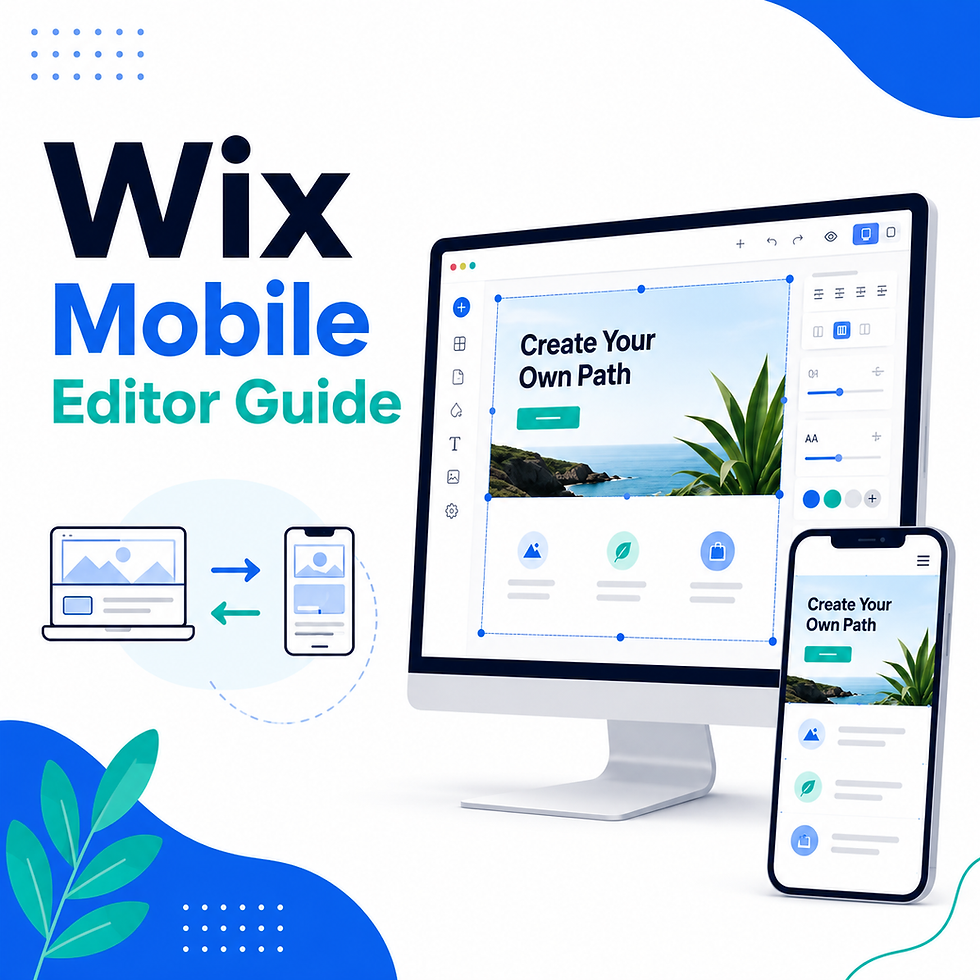
Wix Mobile Editor view showing a website page layout with mobile-specific adjustments for text size, image positioning, and button spacing.

Learn how to use the Wix Mobile Editor with this complete guide. Covering mobile layout adjustments, text sizing, image cropping, hiding elements, tap targets, mobile SEO best practices, and testing your site on real devices.

Wix Blog settings dashboard showing post categories, author profiles, comment settings, and SEO configuration options.

Learn how to set up and optimise your Wix blog with this complete guide. Covering blog settings, categories, author profiles, SEO for posts, social sharing, comment settings, and best practices for growing an effective business blog.

Wix Form Builder showing form fields including name, email, message, dropdown, and checkbox options with notification settings.

Learn how to use Wix Forms with this complete guide. Covering form setup, field customisation, notifications, confirmation messages, spam protection, CRM integration, automations, and best practices for converting visitors into leads.

Wix Editor showing the navigation menu settings with page order, dropdown menus, and menu design customisation options.

Learn how to set up your Wix navigation menu with this complete guide. Covering adding and removing menu items, dropdown submenus, mobile menus, menu design, SEO best practices, and tips for effective website navigation.

Wix Editor showing a button element with design settings including fill colour, border, text, hover state, and link destination options.

Learn how to add and optimise buttons in Wix with this complete guide. Covering button types, link options, design customisation, hover states, mobile optimisation, CTA best practices, and common mistakes to avoid.

Wix SEO settings panel showing page title, meta description, URL slug, and keyword fields for on-page SEO optimisation.

Learn the essential Wix SEO basics with this complete guide. Covering page titles, meta descriptions, URL slugs, alt text, headings, Google Search Console, page speed, and best practices for ranking higher in Google search results.

Simple Wix Website Guide

Learn how to edit Wix pages, update text, replace images, manage menus, check mobile layout, improve SEO settings, and publish your changes correctly.

bottom of page