Content Lifecycle: From Planning to Refresh and Retirement

Updated: Nov 22, 2024
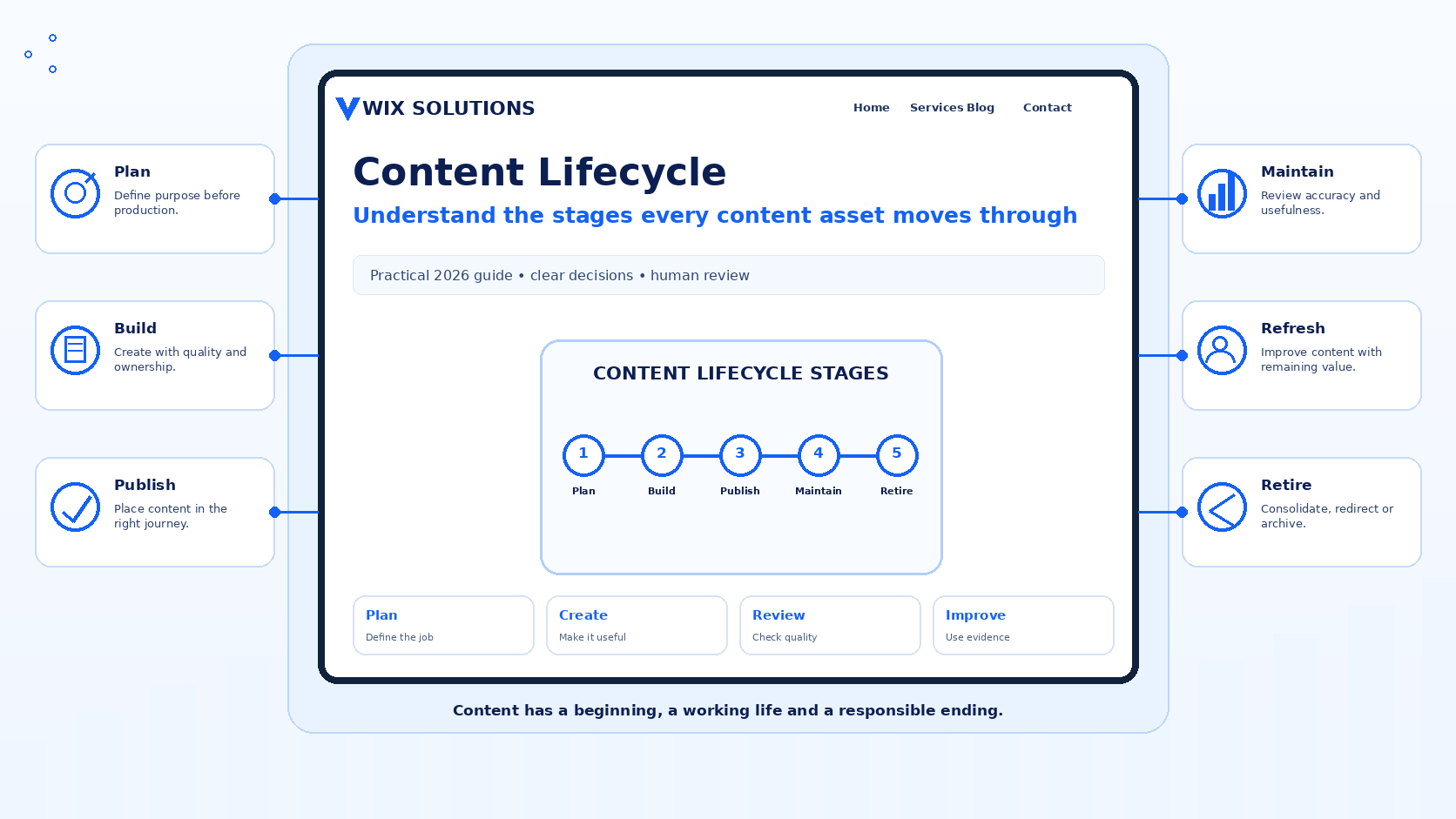
The content lifecycle describes the full journey of a content asset: why it is proposed, how it is planned and created, where it is published, how its usefulness is reviewed, when it should be refreshed or repurposed and what happens when it no longer deserves a live place on the website. Thinking in lifecycle stages helps a business avoid two common problems: publishing without a maintenance plan and keeping obsolete content simply because nobody has decided what to do with it.
This article focuses on the stages themselves and the decisions that connect them. That is different from the operational governance covered in Content Lifecycle Management, which concentrates on ownership, review intervals and maintenance queues. Wix Solutions uses both views together: understand the journey of the asset, then assign the people and controls needed to manage that journey responsibly.

The content lifecycle starts before anything is written
A useful lifecycle begins with a reason for the asset to exist. Define the audience, the question or decision being supported, the business purpose, the intended destination and the evidence available. This prevents production from becoming the default response to every new idea. Sometimes the correct lifecycle decision at the planning stage is not to create a new asset at all because an existing page can be improved instead.
A practical Content Strategy Framework gives editors a repeatable way to test new requests against business priorities, audience needs, ownership and available resources before production starts.
Content lifecycle planning should check the existing library first
Before commissioning a new page, search the current content inventory for the same topic and search intent. A strong existing article may need a refresh, a section may belong on a service page, or several weak pieces may need consolidation. This simple check reduces duplication and makes internal linking easier because the site retains one clear destination for each important need.
Stage 1: plan the purpose, audience and evidence
The planning stage should produce a useful brief rather than a vague topic. Record the primary audience, customer question, intended outcome, required source material, focus keyword where search is relevant, internal pages that should be supported, responsible owner and review requirement. The plan should also state whether the content is intended to be evergreen, campaign-specific, time-sensitive or dependent on a changing product or service.
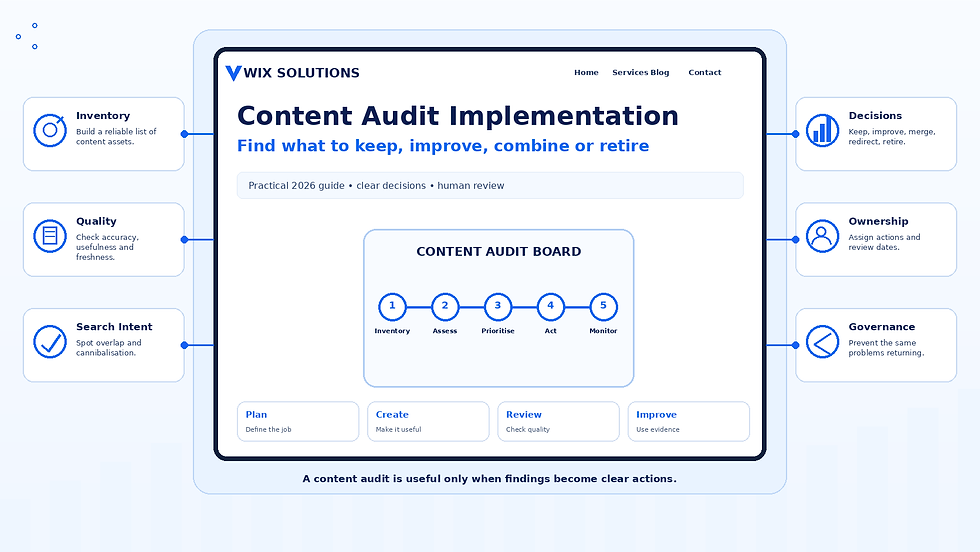
If the request is triggered by an ageing or inconsistent content library, use Content Audit Implementation to determine whether the appropriate action is keep, improve, consolidate or retire before creating another URL.
Stage 2: create from approved sources and a clear brief
Creation should turn the brief into useful communication. Writers, designers and subject specialists need access to the source material that supports claims. Build the heading structure around the reader’s questions, use examples where they improve understanding and keep calls to action appropriate to the decision stage. Creative choices should make the information easier to understand rather than disguising weak evidence.
The principles in Creative Content Creation help teams choose formats, visual approaches and storytelling methods while keeping originality connected to the communication problem.
Stage 3: quality-check before publication
The publication stage needs more than a spelling check. Confirm factual accuracy, source integrity, structure, mobile readability, accessibility, links, image alt text, metadata, search intent, brand wording and the next step for the reader. Check that the article does not duplicate another live page and that the chosen URL is sensible. Record the owner and future review point for content that matters.
Stage 4: distribute according to channel role
Publication on the website may be the start of distribution rather than the end. An approved guide can support email, social media, sales materials or video, but each version should be adapted to the environment. Preserve a clear source relationship so future corrections can be carried through connected assets.
Use Channel Optimisation Planning to decide what job each channel should perform and how much of the source content belongs there. Repurposing should not turn into uncontrolled duplication.
Stage 5: measure whether the asset is doing its job
Measurement should reflect the original purpose. A search guide may be reviewed through relevant queries, discovery and progression to useful internal pages. A service page may support qualified enquiries and clearer pre-sales understanding. A help article may be valuable because it lets customers complete a task successfully. Avoid judging every lifecycle stage with one universal traffic or engagement number.
The Content Performance Analysis guide explains how to interpret analytics with search intent, customer context and the job of the content before deciding on the next action.
Stage 6: refresh when the topic still deserves a live destination
A refresh is appropriate when the underlying topic and URL remain useful but parts of the asset have aged. Update facts, screenshots, examples, links, structure, images and metadata as needed. Do not rewrite stable material simply to change a date. The refresh should respond to a real quality, accuracy, search or customer need.
Stage 7: repurpose strong source material deliberately
Repurposing can extend the value of research, explanations and visual frameworks. A detailed guide may support a webinar, checklist, email sequence or short video. Keep the original source visible to the team so adapted versions can be corrected when the underlying information changes. Reuse should save effort without creating a network of unmaintained copies.
Stage 8: retire content when keeping it creates more risk than value
Retirement may be appropriate when information is obsolete, a service no longer exists, several pages have been consolidated or the asset no longer serves a useful audience need. Before removing a live page, check internal links, external dependencies, search traffic, backlinks, campaign references and whether another page genuinely replaces the same need. If a redirect is used, the destination should be meaningfully relevant rather than simply convenient.
Four practical content lifecycle examples
Example 1: a service guide that moves from launch to evergreen resource
A consultancy launches a new service with a detailed guide. During launch it supports email and social activity. After several months, the campaign ends but customer questions show that the guide remains useful. The team removes time-sensitive launch wording, strengthens internal links, assigns an annual review point and keeps the URL as an evergreen resource.
Example 2: a software tutorial that needs a targeted refresh
A tutorial still answers a common setup question but the interface has changed. The lifecycle decision is not to create a second article. The owner confirms the current steps, replaces screenshots, reviews alt text and links, then republishes the existing useful destination. The central search intent remains stable while the presentation catches up with the product.
Example 3: an e-commerce buying guide repurposed for seasonal communication
An evergreen buying guide contains a strong comparison framework. During a seasonal campaign, the team creates a short email and a series of social posts from the approved guide rather than writing separate advice from scratch. After the campaign, temporary messages expire while the guide remains the maintained source for the underlying product-selection advice.
Example 4: three overlapping articles consolidated into one destination
A content audit finds three old articles answering almost the same customer question. Performance and search-intent review shows that none is complete. The team combines the strongest useful material into one clear article, updates internal links and uses appropriate redirects from retired URLs. The lifecycle ends for two assets while the remaining destination becomes easier to maintain.
How AI tools can support the content lifecycle
AI can accelerate several lifecycle tasks. It can cluster proposed topics to flag likely duplication, compare drafts with approved briefs, classify content inventories, identify old dates or terminology, summarise performance notes, compare current and previous versions and produce first-pass repurposing ideas from an approved source. These tasks are strongest when the system preserves links back to the original evidence and content owner.
AI-assisted content lifecycle work still needs human judgement
AI should not decide that a live page can be removed, invent a new fact during a refresh or assume that a performance change proves a specific cause. It may miss backlinks, legal requirements, customer dependencies, deliberate historical context or a subtle difference in search intent. People remain responsible for source verification, prioritisation, redirects, accessibility, brand quality and the decision to publish or retire.
Connect lifecycle stages with clear ownership
Understanding the stages is only useful if someone can act on them. For important content, record the owner, the sources most likely to change and the next review point at publication. The dedicated Content Lifecycle Management guide explains how to turn those records into a practical maintenance system across a larger content library.
Treat every content asset as a managed decision
The content lifecycle is not a demand to keep every asset alive for as long as possible. It is a way to make deliberate decisions from the first brief to the final redirect. Plan before creating, publish from verified sources, measure against purpose, refresh when the destination remains useful, repurpose with source control and retire content when keeping it no longer serves the audience or the business.
Wix Solutions can support lifecycle planning as part of broader website, SEO and content strategy work. The objective is a content library that remains useful because every important asset has a reason to exist, a way to be reviewed and a responsible path when that reason changes.